



Midasluck Login & Registration
Midasluck login uses the email address and password entered during registration. Creating an account and signing in both take only a few minutes.
New players need an account before they can deposit or play for real money. Existing members can sign in from a phone or computer and continue with the same balance.
Midas Luck keeps registration and account access in the main menu. Both options are available from every page of the casino website.



Registration at Midasluck Casino
Registration creates a personal Midasluck Casino account for real-money play. It also gives you access to deposits and withdrawals.
You can browse the lobby and try available demo games before signing up. An account is required when you want to use real funds or claim a promotion.
Midas Luck uses your registered email for account messages and password recovery. Enter an address that you can open whenever needed.
Create Your Account
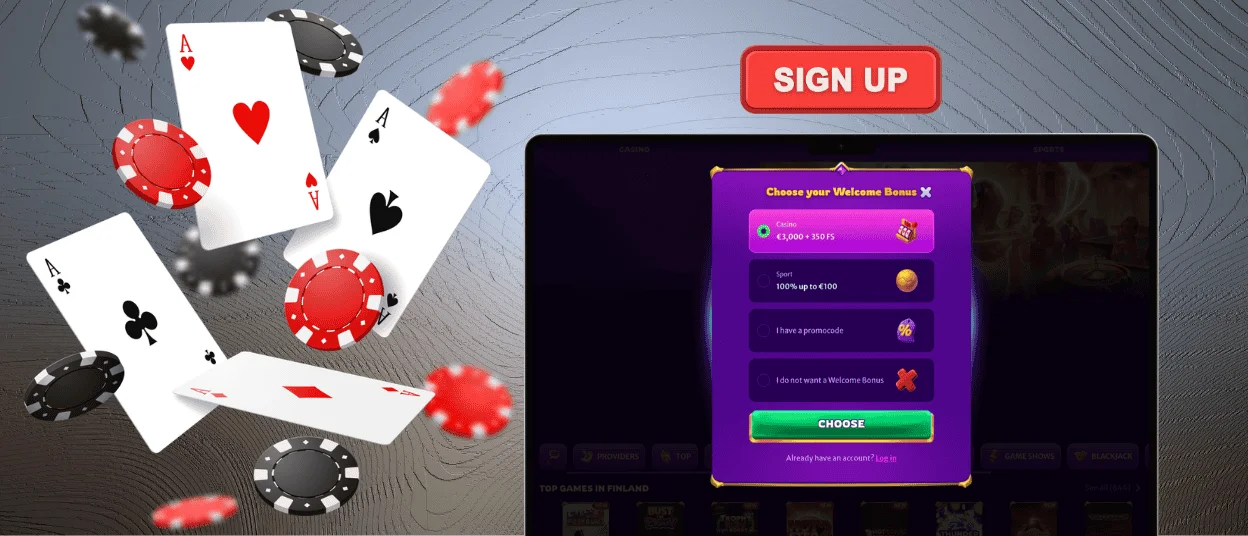
Midasluck Casino sign-up form asks only for the details needed to open a profile. Registration can be completed from the home page.
- Select Sign Up in the upper-right corner.
- Enter a valid email address.
- Create a strong password.
- Add a promo code if you have one.
- Confirm that you are at least 18 and submit the form.
Only one account is allowed for each player. Midasluck may send a confirmation message to the email address entered in the form.
Midasluck Login and Account Management
The Midasluck login button is in the upper-right part of the website. Enter your registered email and password, then select Log In. If two-factor authentication is active, you will also need the current security code.
Account Features Overview
After the Midasluck login, the account dashboard brings personal settings and activity into one place. You can manage the main features without contacting support.
| Account area | What you can do |
| Profile settings | Update personal and contact details |
| Transaction history | View deposits and withdrawals |
| Favorite games | Open saved casino titles |
| Active bonuses | Check progress and expiry dates |
| Security | Turn on extra login protection |
| Responsible gaming | Set deposit limits and session controls |
Extra login protection asks for a security code after the password. It is useful on devices that are not used every day. Keep contact details current so reset messages and account notices reach the correct address.
Forgot Your Password?
If the Midasluck login does not accept your password, first check Caps Lock and the entered email address. The email must match the one used during registration.
Select Forgot your password? on the sign-in form and enter your registered email. Midasluck will send a reset link that lets you create a new password.
Check the spam folder if the message does not appear in your inbox. Our support team can help through live chat, but it will never ask for your current password.
Verification at Midasluck Casino
Verification confirms the identity and legal age of every account holder. Midasluck Casino can request it before processing a first withdrawal.
The verification process starts in the account dashboard. Upload a valid identity document and recent proof of address. We may also request a document connected to your payment method.
Files can be uploaded from a phone or computer. Do not crop or edit them. The accepted format and maximum file size appear before the upload.
Make sure every image is clear and shows the full document. The name and address must match the information in your profile. Midasluck normally checks submitted files within 48 hours.
At Midas Luck, the verification status appears in your account. If a file is rejected, the message will specify which document you need to send again.
FAQ
What Should I Do if My Account Is Locked?
Reset your password first. If the Midasluck account is still locked, contact live chat and provide your registered email address.
How Can I Verify My Account?
Open the verification section and upload the requested documents. Midas Luck usually checks them within 48 hours.
Can I Change My Password or Email Address?
You can change your password in the account settings. To change your email address, contact support and complete an identity check.


