



Midasluck App
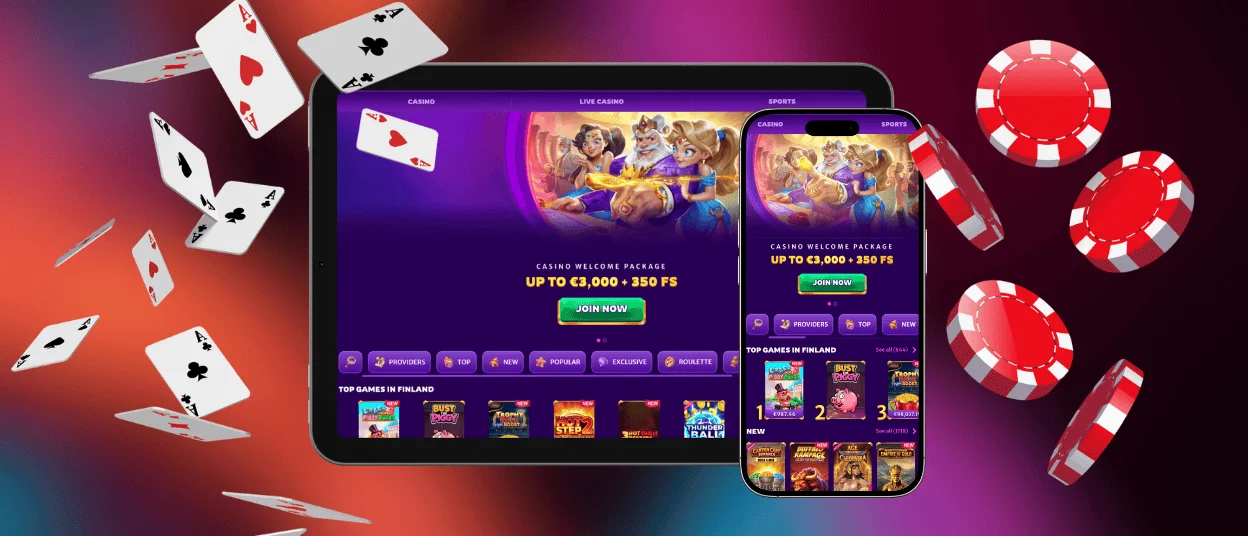
The Midasluck app is a Progressive Web App that opens through the casino website. It gives you app-style access without a separate file or an app store.
The mobile version includes the full Midasluck Casino lobby with more than 13,000 games. You can also manage your balance and active bonuses from the same account. Live chat and the payment section remain available after you sign in.
Midas Luck keeps the app light because most content loads through the browser. A home-screen shortcut opens the latest version, so there is no need to download updates by hand.
The same balance appears on every supported screen. This lets you change devices without moving funds or creating another profile.



Midasluck Casino for Android
Android users can add the Midasluck app directly through Chrome. The process creates a home-screen icon without downloading an APK file.
- Open the Midasluck Casino website in Chrome.
- Tap the three-dot menu in the upper-right corner.
- Select Add to Home Screen.
- Confirm the name and tap Add.
The icon opens the casino lobby with one tap. Online slots and live dealer games work through the same account. You can access current promotions and the payment section from the mobile menu.
After installation, the shortcut opens in an app-style window with fewer browser controls. Touch buttons resize for smaller screens, while the game area can rotate when needed.
The app uses little device storage and keeps the encrypted website connection active during each session.
Midas Luck works in portrait mode for the lobby and account pages. Individual games can switch to landscape mode when a wider screen gives better controls.
Browser notifications are optional. You can allow them for promotional updates.
Midasluck Casino for iOS
iPhone and iPad users can add the mobile version through Safari. The shortcut is created from the Midasluck Casino website, so an App Store account is not required.
- Open the casino website in Safari.
- Tap the Share button.
- Select Add to Home Screen.
- Confirm the name and tap Add.
The new icon opens Midasluck in a separate app-style window. Your regular email and password provide access to the same account used on desktop.
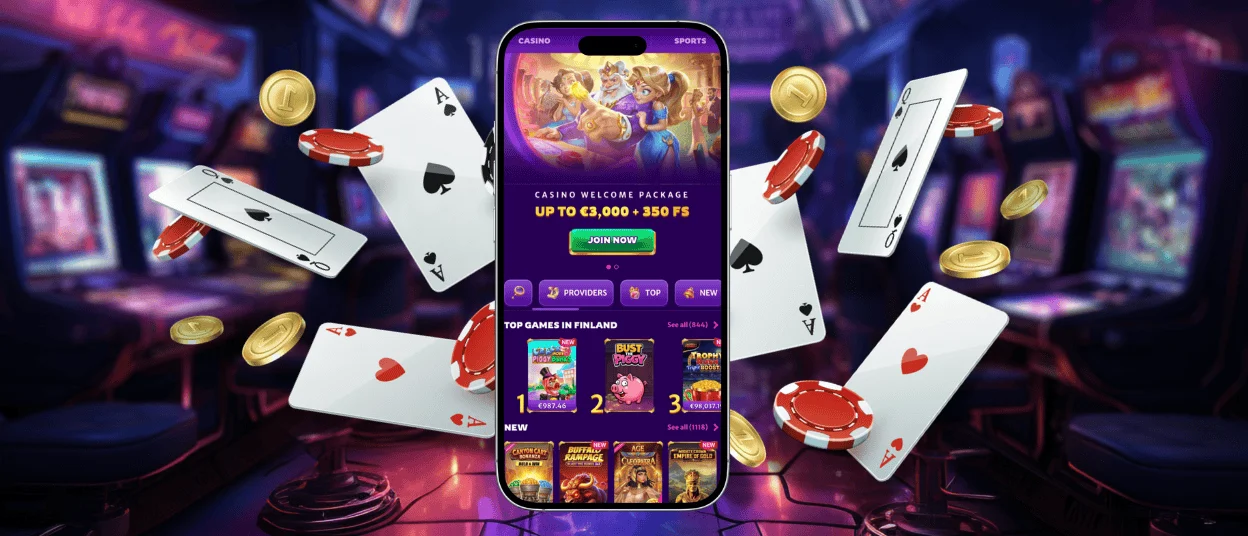
Slots and table games work with touch controls. Live casino streams also resize to fit the screen. You can open the payment section and upload requested verification documents from the account menu.
Application for Windows/macOS
The Midasluck app can also be installed on Windows and macOS. It runs in its own window while keeping the same functions as the browser version.
Open the Midasluck Casino website in a supported browser and look for the install icon in the address bar. The icon may appear as a screen or a downward arrow. Select it and confirm the installation.
Chrome and Edge work well for installation on Windows. Chrome can also be used on macOS. Keeping the browser current helps the sign-in page and live streams work correctly.
Windows can place the shortcut on the desktop or taskbar. On macOS, it can stay in the Dock for faster access. Midasluck then opens as a separate window, so you do not need to search for the website each time.
The window can be resized or switched to full-screen mode. When using a shared computer, sign out before closing it.
Midas Luck can send browser notifications when permission is enabled. These alerts can show new tournaments or the closing time of an active promotion.

FAQ
Do I Need to Download the Midasluck App?
No. Midasluck uses a Progressive Web App, so you add it through the browser instead of downloading an APK or an App Store file.
How Can I Update the Midasluck App?
You do not need to update it by hand. Midasluck loads the latest website version whenever the shortcut opens. If a recent change does not appear, close the app window and open it again.
What Should I Do if the App Crashes or Freezes?
If the Midas Luck window freezes, check the internet connection and reload it. Midasluck can reconnect to an unfinished game after you sign in again. If the problem continues, contact live chat with the game title and the time it happened.
Can I Play Live Casino Games on the Midasluck App?
Yes. The full Midasluck Casino live section is available through the app. You can play live roulette and blackjack, and the app also includes poker tables and casino game shows.


